
01
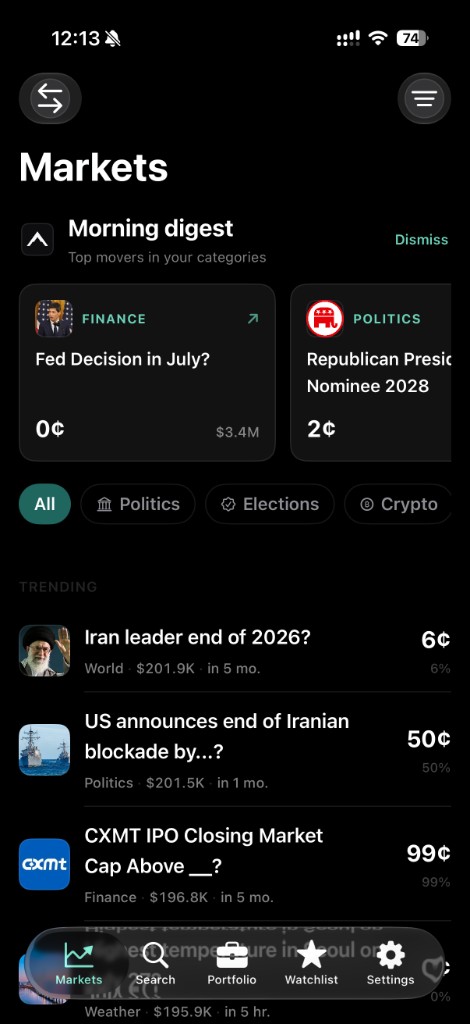
Live odds move
Prices update as the market does, while you browse and while you hold.
Native iPhone client
In developmentA fast, native app for browsing and trading real-money prediction markets from your own wallet. Live prices, clean positions, no feed to scroll.
Built on Polymarket
Independent client. Availability depends on your jurisdiction and wallet support.
The quiet argument
Most trading apps are built to keep you there. Peak is built to get you out. It opens fast, shows the market, takes the order, and closes. What it omits is the product.
Not in the app
A terminal, not a timeline.
Capabilities
Prices update as the market does, while you browse and while you hold.
Buy with a dollar amount. Sell by share count when you reduce or exit.
Set the price that matters. Peak tells you once and stays quiet after.
Pin only what you track. Volume and time to close stay in view.
Peak Teal by default. Five alternates. The behaviour never changes.
Export a market as a clean card when you need to send context, not commentary.
The app
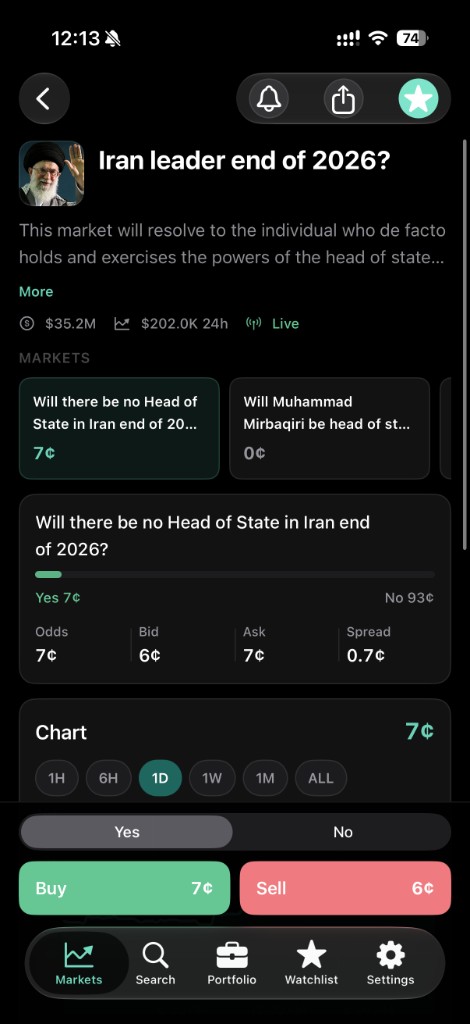
Market detail
Open a market to see the yes and no price, the bid, the ask, and the spread together. Buy and sell stay pinned at the bottom. Nothing sits between you and the order.
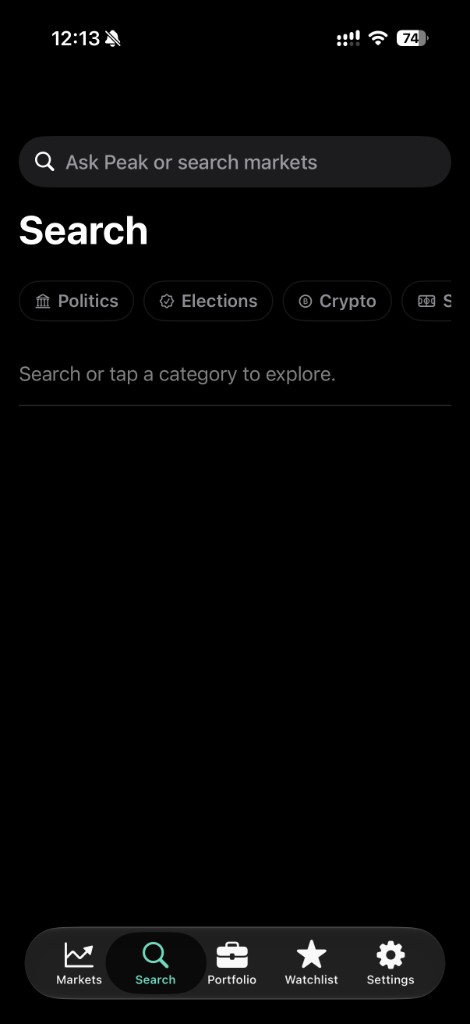
Search
Ask Peak or search directly. Move by category when you would rather browse. Results are markets and prices — there is no one to follow here.
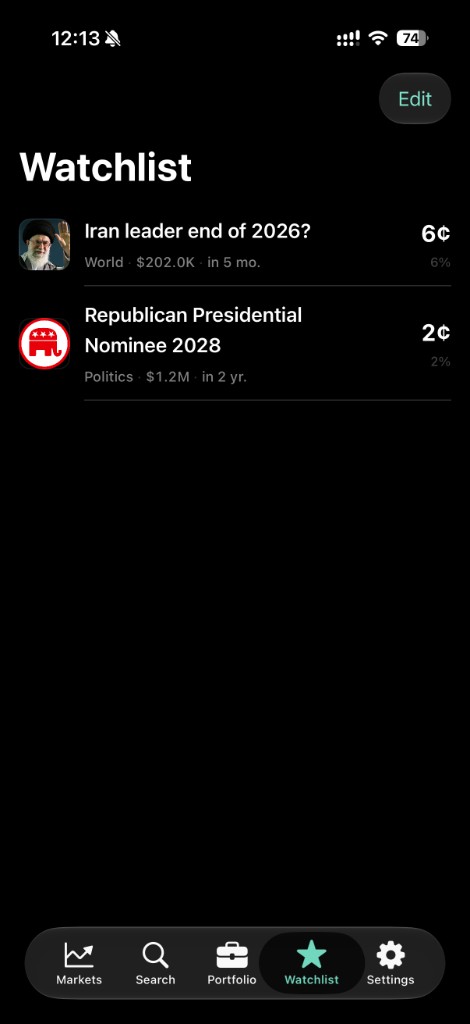
Watchlist
Keep the handful of markets you care about, with price, category, volume, and time to close on one line. Edit it when your thinking changes.
Settings
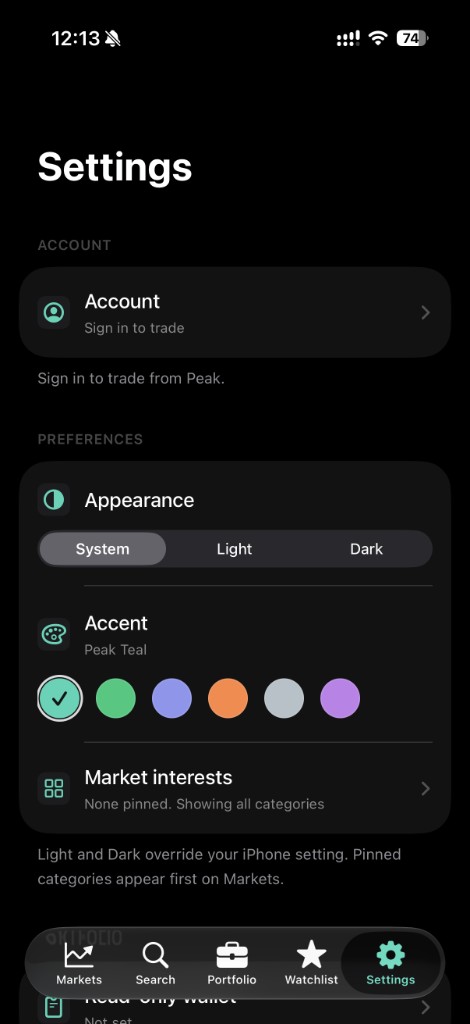
Appearance follows your iPhone, or you override it to light or dark. Pick an accent. Pin the categories you want first on Markets.
Custody
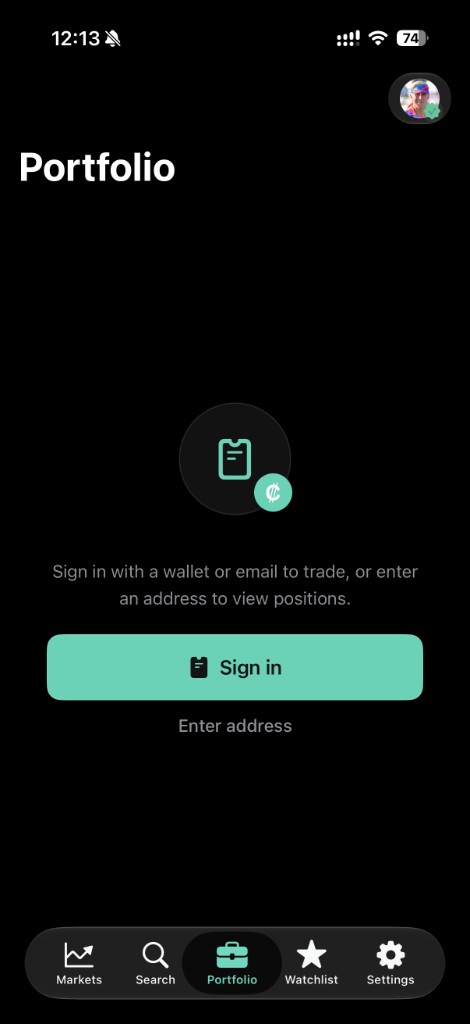
Peak is an interface, not a custodian. It has no account of its own and never takes ownership of your money. You trade from a wallet you control — sign in with an embedded wallet and Peak never sees your key, or import an existing Polymarket wallet and Peak signs on your instruction.
Trade on the web
Browse and trade from the browser now. The native iPhone app is in active development — same Peak backend, same focus on speed and direct control.
Web trading uses Privy sign-in. iPhone will require a wallet you control.